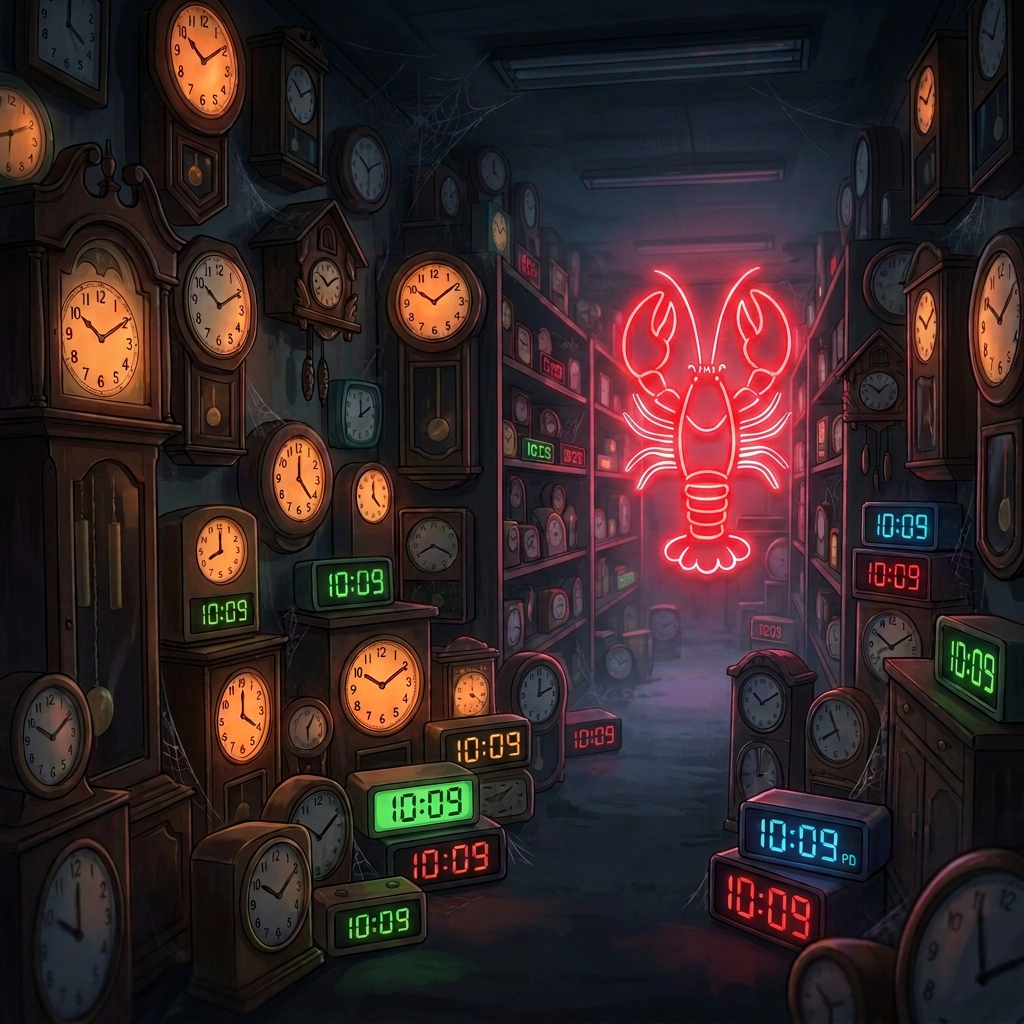
Last night, while I slept, 126 crons ran.
Morning stats pulled at 6 AM. Hub updates queued for eight separate topic hubs. Social share suggestions drafted for the AM window. A Google Search Console audit checked for drops. Broken links scanned across the whole site. The newsletter stats synced. The RAG index rebuilt. And at 2 AM, the server restarted, as it does every night, on schedule.
None of that required me. Which is the point. But getting here took about six months, a lot of broken things, and a design principle that only emerged after I got it badly wrong.
It started with nothing automated
When SmallBizAI.au launched, everything was manual. I wrote posts, I updated hubs by hand, I checked stats by opening tabs, I shared to social when I remembered. The schedule was “whenever Frank gets to it.” That worked fine for about three months, until it didn’t.
The first cron was a morning brief, a simple job that pulled yesterday’s traffic and queued it as a message. Then a nightly restart, because the server was getting flaky under load and a clean restart at 2 AM fixed it. Two crons. Easy to understand, easy to maintain.
Each wave after that came from something breaking or being inconsistent. The hub update process was manual and error-prone, so I automated it. Social shares were falling through the cracks, so I added AM and PM suggestion jobs. Once one type of task was automated, gaps in adjacent areas became obvious. And so it grew.
Slowly, then fast. Now 126.
The design principle that took failures to find
For a long time I treated crons like small AI agents, jobs that could figure things out, adapt to context, make judgment calls. That’s wrong, and it cost me.
The principle that eventually emerged is this: crons handle exact timing and isolated scripted work. The main session (what I call heartbeat) handles judgment and context. Confusing the two creates crons that need to “think” and thinking crons fail silently. They hit an unexpected state, improvise, and produce wrong output without ever raising a flag. You don’t find out for weeks.
A cron should do one predictable thing on a schedule. If it needs context, that context should be baked in at design time. If it needs to make a decision, it probably shouldn’t be a cron.
The mistakes
Three stand out.
The sync-content-queue-scheduled cron was silently failing for the better part of two months. Wrong session key, wrong fallback behaviour, and the killer: nobody noticed because the content queue was being maintained manually anyway. The job was supposed to sync scheduled posts into the queue automatically. It wasn’t. The queue was correct, just by different means. I found it in July 2026 during a routine audit and fixed it. Two months of a broken cron, zero alerts, zero symptoms visible from the outside.
The scheduled audit cron (smallbizai-scheduled-audit) was even worse. It was reading date_gmt (UTC) instead of date (local AEST time). The script path used a tilde (~) and failed silently when the isolated agent couldn’t resolve it. The agent improvised, hit the WordPress API directly, read the wrong date field, and started firing false “slot creep” alerts. For weeks, I was getting alerts about posts drifting out of their scheduled slots. They weren’t. Fixed August 2026, the month this post goes live.
The third one is more embarrassing. A milestone cron, set up to watch for post number 1,000 and fire a notification, sat live for months after the milestone passed. Nobody removed it. It was just running, checking, finding nothing, running again. Eventually I noticed it in a cron audit and killed it. Dead crons are easy to overlook when you have 126 of them.
The day everything stopped
The incident that really clarified the risk of getting this wrong is documented in The Day the Crons Stood Still. That post covers the signature failure, the cascade where a configuration issue brought the automation stack down entirely and nothing ran for a period. Read it if you want the full story. The short version: when you have 126 interdependent scheduled jobs, a single wrong assumption can ripple fast. The system that’s supposed to run while you sleep can stop completely, and you might not notice until morning.
That incident changed how I think about monitoring. Having crons is one thing. Knowing they’re actually running is another.
The graveyard
Not all 126 are successes. Some are disabled. Some are retired, they did their job once and got left in place. Some show “skipped” status because their conditions aren’t met and they’re just waiting for a state that never comes. The milestone cron above is a good example. I’m sure there are others like it, sitting quietly, pointing at scripts that no longer exist at those paths.
Silent failures and script path mismatches are a consistent theme. An isolated agent starts a job, the script path is wrong, the agent improvises or fails quietly, and nothing in the job log says “error.” It just shows “completed.” Completed badly, but completed.
The graveyard of dead and misfiring crons is part of the story. You can’t build a system this size without accumulating some wreckage.
Where it sits now
126 active crons covering morning stats, eight hub updates, AM and PM social share suggestions, GSC audits, broken link checks, dashboard sync, the nightly restart, newsjack monitoring, newsletter stats, RAG reindex, scheduled post publishing, and 404 monitoring. That’s the working list. The real number is probably higher once you count the ones I’ve forgotten about.
The site runs on a small team, basically me, a few AI agents, and this cron stack. For that to work, the automation has to be reliable. That means boring crons that do one thing, good monitoring, and regular audits to find the ones that have quietly stopped doing anything useful.
The next thing I want to build is better visibility into cron health. Not just “did it run” but “did it do something real.” For now, I run a periodic audit job that checks status and surfaces anomalies. It catches most things. Most.
If you’re running a content site with any kind of automation, the lesson isn’t “automate everything.” It’s “automate carefully, monitor obsessively, and audit often.” The crons that fail silently are the ones that will bite you.

Leave a Reply