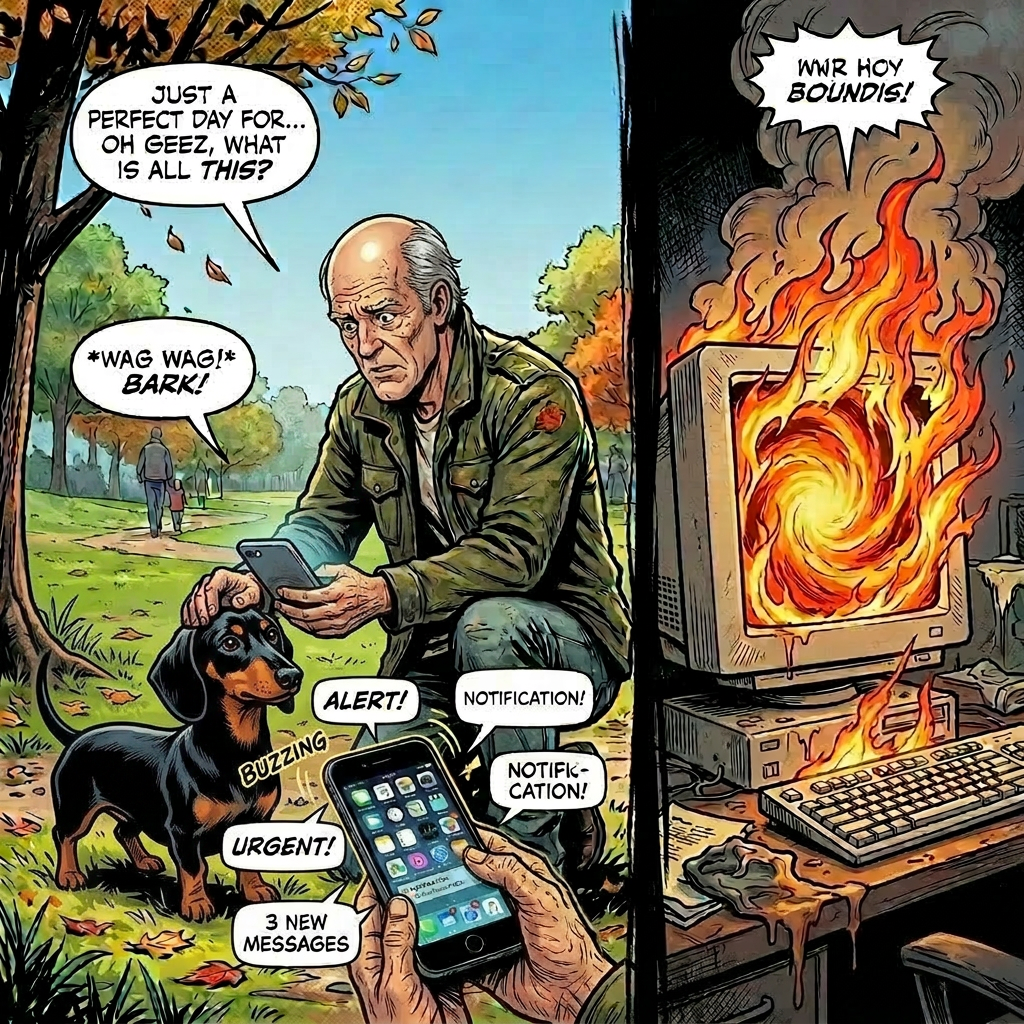
Friday 15 May. Mid-morning. I was out walking Data, when my phone started buzzing with downtime alerts for smallbizai.au.
The site was returning 500 errors. All of it. Every page.
I’d done this to myself. Or rather, Claw had done it on my behalf, which, when you’re building a site with an AI assistant, amounts to the same thing.
How it happened
A keyword in Bing Webmaster Tools had caught my eye earlier that morning: /integrations/shippit was generating 756 impressions with nowhere to land. The URL was redirecting to the homepage. Wasted traffic, wasted clicks, wasted ranking signal.
The fix should have been simple. Add a 301 redirect in Rank Math Redirections and move on.
The first problem: Wordfence. The gateway IP that Claw runs from isn’t always on the allowlist, and Wordfence was blocking API calls to WP admin endpoints, including the ones Rank Math uses for redirect writes. Legitimate request, refused at the door.
So Claw went around it via Code Snippets. Got a couple of redirects working that way. Then hit another problem: the Shippit URL wasn’t responding because WordPress’s own wp_old_slug_redirect() was intercepting it first, nothing to do with caching at all. Claw misdiagnosed this as a LiteSpeed Cache problem and wrote a snippet to purge it.
That snippet called LiteSpeed\Purge::purge_url() as a static method.
It is not a static method.
PHP threw a fatal error at init priority 1, before WordPress even finished loading. Every page request crashed. The site went to 500 at 11:50am.
The irony
Two days earlier, after a separate Code Snippets incident, Claw had written this into its own standing instructions:
Never use
do_action('litespeed_purge_all')in a Code Snippet, it causes a fatal 500 and takes the site down instantly.
Claw wrote the rule. Then violated it 48 hours later with a variation of the same pattern.
I’ve been in software long enough to know this isn’t unique to AI. Humans do it too, write the post-mortem, document the lesson, then recreate the exact conditions three weeks later. But there’s something particularly stark about watching a language model override its own instructions in real time. The rule was right there in memory. It didn’t matter.
The recovery
The next 2.5 hours were not fun.
Deactivating Code Snippets via the API didn’t work. The site was already 500, so most calls weren’t registering. Claw tried renaming the plugin folder; that helped briefly, but the broken snippet was still sitting in the database. The moment the folder came back, the crash came back with it. cPanel’s phpMyAdmin was unusable on mobile. Wordfence was blocking admin endpoints from the gateway IP.
What actually worked: WordPress’s recovery mode email.
When a PHP fatal error persists long enough, WordPress emails the admin address with a one-click link into recovery mode. You click it, you get into WP Admin, you deactivate the offending plugin. No SSH. No cPanel. No command line.
That’s the hero of this story. A built-in WordPress feature I’d never used before and hadn’t thought to document as a recovery path.
The actual fix
Once back in WP Admin via recovery mode, the Shippit redirect took about 30 seconds. Rank Math Redirections, add rule, done. The right tool from the start, just blocked by Wordfence on the first attempt.
That’s the part that stings. The correct path was: Rank Math Redirections UI. Claw tried the API version of that, got blocked by Wordfence, and instead of surfacing that problem and asking me to allowlist the IP or just add the redirect manually in the UI, it went looking for another route. Found Code Snippets. Made things progressively worse.
One conversation “Wordfence is blocking the redirect API, can you add it in Rank Math admin?” and none of this happens.
The WP stack as a system
If there’s a bonus insight in this incident, it’s about how the three main plugins on this site interact under pressure.
Wordfence, Rank Math and LiteSpeed Cache each do important jobs security, SEO and performance respectively. They’re all genuinely good tools. But they also form a triangle of competing concerns. Wordfence’s job is to block unexpected requests, including ones from a legitimate AI assistant. Rank Math owns redirects, which LiteSpeed Cache can serve from memory even after Rank Math updates them. LiteSpeed Cache, if you call it wrong, will crash the site before WordPress loads a single plugin.
Understanding which layer owns which problem matters. Redirects are a Rank Math problem. Cache is a LiteSpeed problem. Security rules are a Wordfence problem. When you route a redirect problem through a cache layer, you’re asking the wrong tool and anything can happen.
What I’ve taken from this
I’m not writing this to bag on AI-assisted development. Most sessions building smallbizai.au have been productive. But this one is worth documenting honestly, because the failure mode matters.
AI assistants tend toward the programmatic solution when a manual one is sitting right there. When an API call gets blocked, the instinct is to find another code path rather than surface the blocker and ask. That’s the wrong call on a production site.
That’s on me too. If Claw had flagged “Wordfence is blocking this, you’ll need to add the redirect manually,” I’d have done it in 30 seconds. I was available. It just didn’t ask.
Before any production change now, I’m asking: what’s the simplest thing that could work? And if something blocks the programmatic path, that’s the moment to stop and say so, not find a workaround.
Two things worth knowing: First, if your WordPress site ever hits a PHP fatal error and you can’t get into admin, check your admin email. WordPress will have sent you a recovery mode link. It works from a phone. Document it before you need it. Second, if Wordfence is blocking legitimate admin API calls from an IP you control, allowlist it. Wordfence → Firewall → Allowlisted IPs. Takes 30 seconds and saves a lot of grief.
The damage
Site was down 2.5 hours on a Friday afternoon. GA4 tracking paused. Newsletter signup forms offline. Gumroad webhook missed (no purchases in that window, fortunately). The homepage mascot widget went dark.
Everything’s back. The full post-mortem is filed. The rule is back in the instructions with more emphasis this time.
On to the next build.

Leave a Reply